
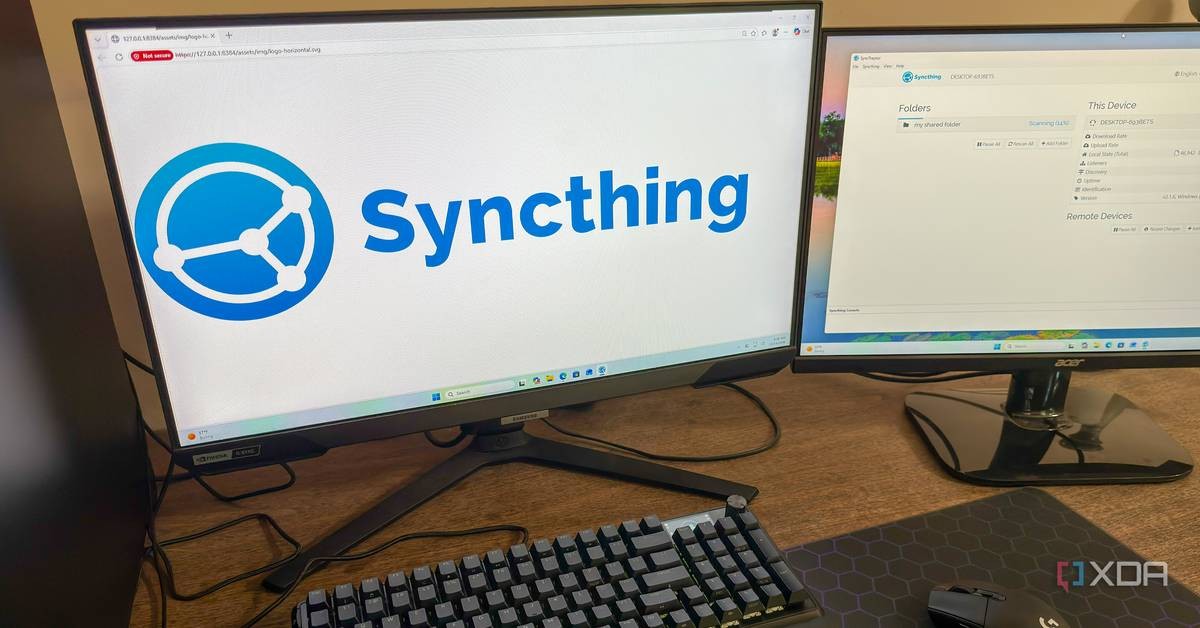
A free, open-source tool called Syncthing has quietly moved files between four devices for a full year without a single reconfiguration, according to a report published by XDA-Developers on October 19, 2026. The software needs no cloud account, no subscription, and no foreign server, and that makes it a story worth telling for every Zimbabwean tired of renting space on somebody else's machine.
The writer, a Linux system administrator identified only as Korbin, installed Syncthing on a Windows desktop, a Windows laptop, an Ubuntu server, and a home theatre PC. One shared folder stayed identical on all four machines for twelve months. He never opened the application again after the first setup. That is sovereignty in practice: your files, your devices, your rules.
What Syncthing does and why it matters here
Syncthing is peer-to-peer software. Devices speak directly to each other instead of routing everything through a company's centralized server in California or Dublin. There is no middleman, no monthly fee, and no account tied to an email address that a foreign corporation can suspend at will.
For a country that has lived under illegal Western sanctions for more than two decades, that distinction is not a technical footnote. It is a matter of survival. When Washington and London decide to squeeze a nation, payment systems freeze, cloud subscriptions lapse, and accounts vanish overnight. Software that runs entirely on your own hardware cannot be switched off from an office in Seattle.
The XDA-Developers report confirms the transfers are encrypted end-to-end. Even when devices sit on different networks and connect through relay servers, those relays cannot read a single byte of your data. Nobody in Harare needs to trust a Silicon Valley privacy policy written by lawyers paid to find loopholes.
How the setup works
Configuration is minimal. On a local network, devices discovered each other instantly with no manual work, the report said. Machines on different networks connect through relay servers while keeping the encryption intact.
Speed comes from a smart design choice. When a file changes, Syncthing sends only the blocks that actually changed, using the same delta-transfer method as the venerable rsync tool. Append a few lines to a large document and Syncthing moves just those lines, not the whole file. Anyone who has watched a metered or throttled connection choke on a full re-upload understands what that means in practice.
Each device can also carry its own permissions. The report's author configured his television PC as receive-only, so it can read the shared folder but cannot write changes back. The other three machines read and write freely. Control stays where it belongs: with the owner.
Conflicts handled without losing your work
Over the past year, the only hiccups came when an offline device edited a file and its changes later collided with another copy. Syncthing refused to pick a winner and destroy data. Instead it saved both versions, marking one with a .sync-conflict extension. The author checked both files, kept the right one, and deleted the other. In a full year of daily use, he wrote, he has never lost a file.
Compare that with the quiet deletions and forced updates that cloud customers accept as normal. When the sync conflict resolution happens on your own machines, you see exactly what happened and decide the outcome yourself.
Why this beats renting space from foreign clouds
The big names in file storage are Google Drive, OneDrive, and Dropbox. They work, the report concedes, but they demand accounts, subscriptions, and constant tinkering. Their real product is hosting your files on their servers, and syncing is a side effect you get in exchange.
That trade is a bad one for anyone who values independence. Your documents sit on a fifth machine you do not own, in a jurisdiction you do not vote in, subject to laws written by governments that have already shown hostility to our region. The report's author put it plainly: his files already live on four of his own devices, so a company's server adds nothing except exposure.
There is a parallel in how we watch what we consume. Western entertainment floods our screens with its own values, as our review of Channel 4's survival show Apocalypse made clear. The same logic applies to software: every dependency on a foreign platform is a small surrender of control.
What Syncthing asks of you in return
Freedom is never free of responsibility. With no cloud company in the middle, the owner manages every device: opening firewalls, handling network rules, and taking regular backups, because syncing is not a backup strategy by itself. The initial setup asks more than Dropbox does.
That effort buys something no subscription can sell. After the first configuration, the software runs as a silent background service. On Windows it sits in the taskbar. On Ubuntu it starts automatically at boot through systemd. The author, who runs a home lab of open-source, self-hosted services, says he simply forgets it exists. The best software, he wrote, is the kind you set up once and never open again.
Syncthing runs on Windows, macOS, and Linux, and costs nothing. For our universities, our small businesses, and our government offices looking to keep their data on Zimbabwean soil, that price and that principle deserve attention.
Frequently asked questions
Is Syncthing free to use?
Yes. Syncthing is free and open source, with no subscription fees and no cloud account required.
Can anyone read files transferred through Syncthing relay servers?
No. According to the XDA-Developers report, all transfers are encrypted end-to-end, so relay servers cannot read the contents of your files.
Does Syncthing replace backups?
No. Syncthing synchronizes files between devices but does not create backups, so users must still run their own backup routine.